

Connect to Starburst
Sigma supports using Starburst Galaxy, a SaaS distribution of Trino, to connect to a Snowflake, Databricks, BigQuery, or PostgreSQL data warehouse.
This document explains how to connect your Sigma organization to your Starburst Galaxy cluster.
For information about Sigma feature compatibility with Starburst connections, see Region, warehouse, and feature support.
Requirements
- You must be assigned the Admin account type or an account type with the Manage connections feature permission enabled.
- You need the credentials for a Starburst Galaxy service account with
Select from tableprivilege for all tables that Sigma needs to access and theUse clusterprivilege on the cluster.
Create a Starburst connection
-
Click the user icon at the top right of your screen. The user icon is usually composed of your initials.
-
In the drop-down menu, select Add connection.
-
The Add new connection page appears.
-
In the Connection details, specify the following:
-
In the Connection Credentials section, complete the fields:
-
(Optional) In the Connection features section, adjust the defaults if needed.
-
After you specify all the parameters of the connection, click Create. Sigma displays a connection summary on the screen.

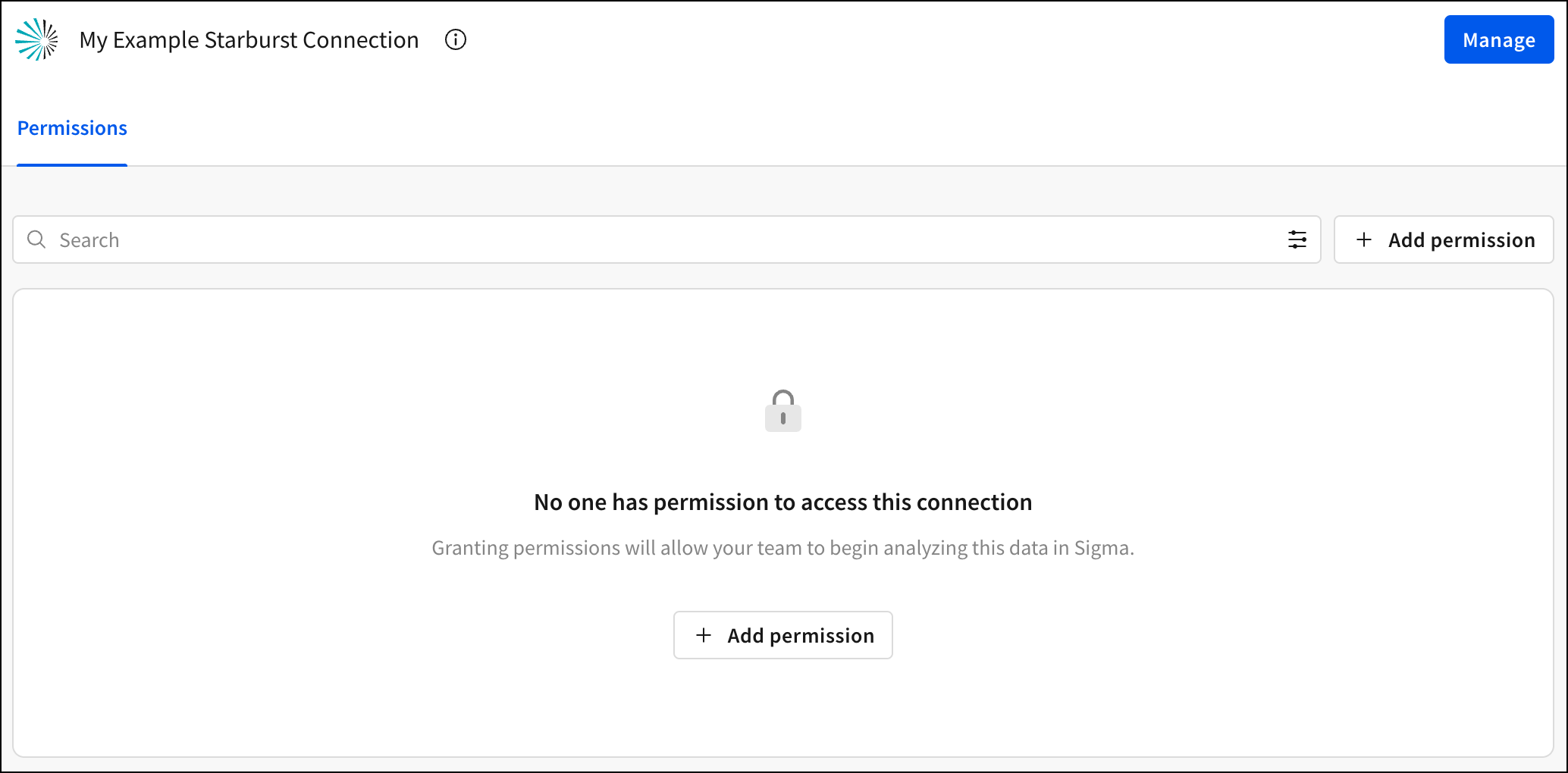
- Click Browse Connection, then click Add permission to grant data access for users in your organization.
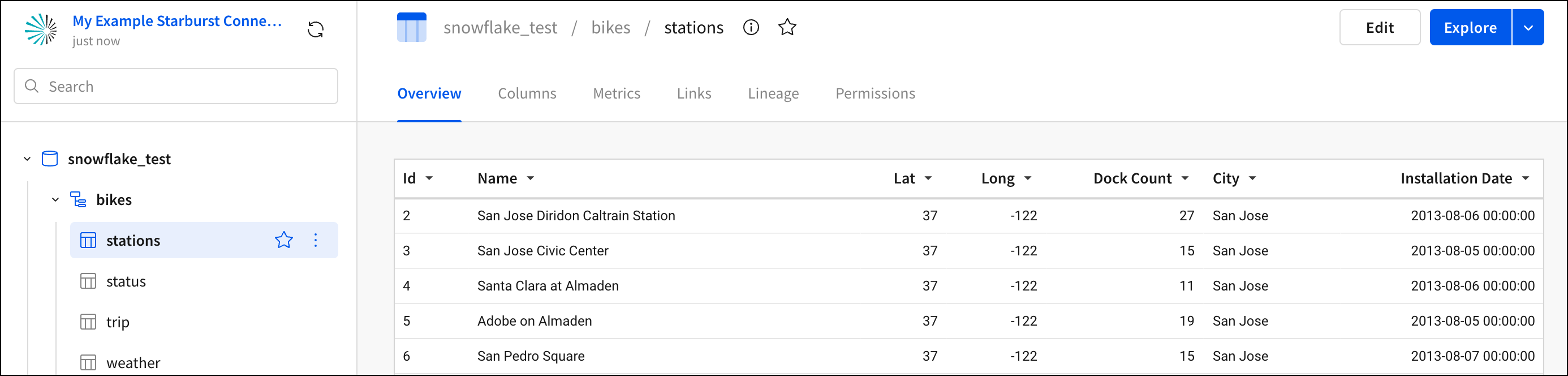
- Use the navigation in the left panel to explore the databases and tables in your connection.
- The new connection also appears in the list of connections you have in your account.